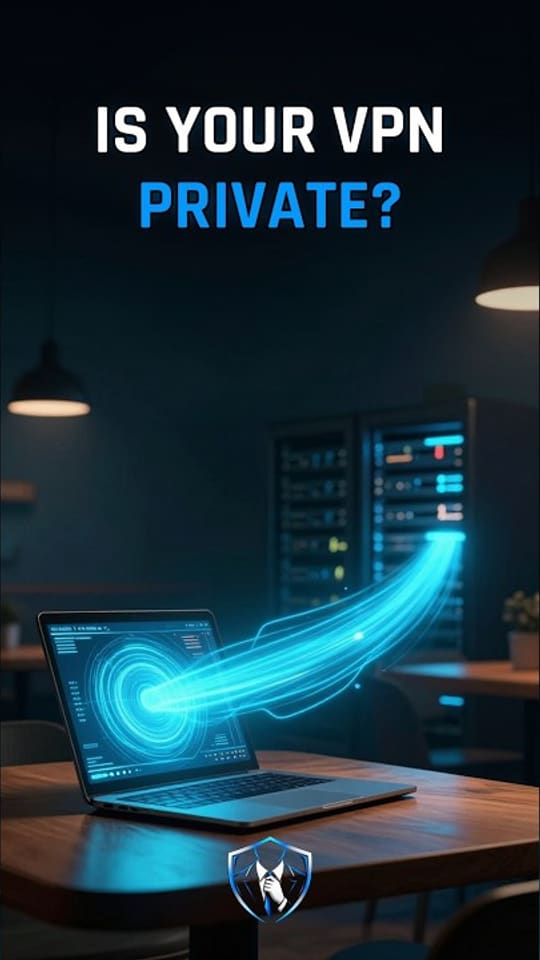
What is a VPN?
A VPN (Virtual Private Network) is an encrypted tunnel between your device and a VPN server, which then forwards your traffic to the internet using its own IP address.

VPN
Normally your packets travel across many networks with your own IP address as the sender. Everyone along the way can see where they are going, even when the content is protected by HTTPS. A VPN (Virtual Private Network) changes the path: an encrypted tunnel carries your traffic to a VPN server, which forwards it to the internet using its own IP address.
Picture every letter you send inside a locked box addressed to a trusted post office. The local mail carrier only sees boxes going to that post office. The post office opens each box and sends the letter on with its own return address. A VPN exists for networks you do not control, such as café or hotel Wi-Fi.
What a VPN actually does
Say you want to reach example.com at 203.0.113.10. Your device builds that packet as usual, encrypts it, and puts it inside a new outer packet addressed to the VPN server, for example 198.51.100.20. This is encapsulation. Anyone watching the local network only sees the outer packet: encrypted traffic to one server. The VPN server removes the outer layer, decrypts the original packet, and sends it on from its own address, so the website sees 198.51.100.20, not you.
Who sees what changes, but the need for trust does not disappear. The café Wi-Fi and your provider now see only encrypted traffic to one server. The VPN provider sees which sites you connect to. The website sees the VPN server’s address. A VPN moves your trust from the local network to your VPN provider.
How the tunnel works, step by step
- Handshake. Your device checks the VPN server’s certificate or key, so it is talking to the real server. Then both sides run a key exchange and each computes the same session keys on its own, and the keys never cross the network.
- Encrypt and wrap. Each packet you send is encrypted and wrapped inside a new packet addressed to the VPN server.
- Decrypt and forward. The server unwraps it, decrypts it, and forwards it to the real destination with its own IP address.
- Replies come back. The website answers the VPN server. The server encrypts the reply and sends it back through the tunnel to your device.
A remote access VPN connects one device to a network, for example an employee’s laptop to the company network, and a site-to-site VPN links two offices so they behave like one. Common protocol families are IPsec, standardized by the IETF, and TLS-based VPNs. Three details decide how much the tunnel really covers. A full tunnel sends all traffic through the VPN while a split tunnel sends only some of it. A DNS leak means your lookups go outside the tunnel and the local network can still see which names you look up. A kill switch blocks all traffic if the tunnel drops.
A VPN is not anonymity
A VPN protects the traffic between you and the VPN server, and that is all. Your VPN provider can see where you connect. Websites still recognize you through cookies, logins, and browser fingerprints. A VPN does not stop malware and does not make a phishing site safe.
What to do
- Use a VPN on networks you do not control, and choose the provider carefully, because it now sees what the local network used to see.
- In the client, enable the kill switch and check that DNS goes through the tunnel.
- Prefer a full tunnel on public Wi-Fi.
- If you run a VPN gateway for a business, keep it patched and protect every VPN account with MFA: gateways face the internet and are a frequent target.
Watch it in 60 seconds