What is a botnet and how does it hijack devices?
A botnet is a group of hijacked devices that secretly take orders from one remote boss, who rents them out to hide criminals' traffic or to flood one target at once.

Botnet
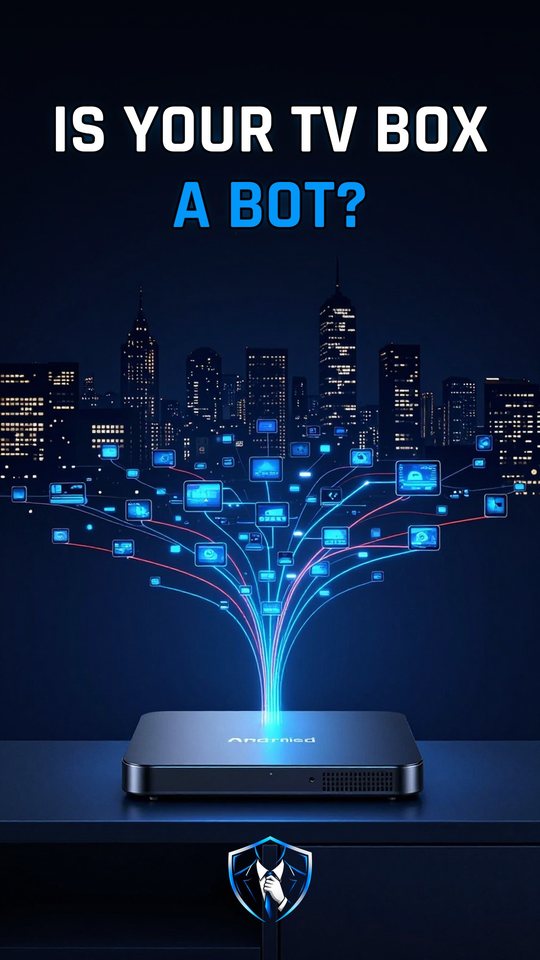
A botnet is a group of hijacked devices that take orders from one remote boss. Each hijacked device is a bot. In January 2026, researchers reported over two million of them obeying one criminal operation called Kimwolf. About two-thirds were cheap Android TV boxes.
The classic example comes from 2016. CISA (Cybersecurity and Infrastructure Security Agency) described a botnet called Mirai that spread through logins nobody changed. Kimwolf is the newer kind. It skipped passwords and used doors that were already open inside home networks. Both end the same way: one operator controls a huge army of devices and rents it out.
What a botnet actually does
First, each bot scans the internet for remote logins over Telnet on TCP (Transmission Control Protocol) ports 23 and 2323. When it finds one, it tries a short list of 62 common default usernames and passwords. There’s no exploit involved. It only needs a login nobody changed. Next, the attacker installs the malware, and the bot phones home to a command-and-control server, or C2, for orders. Mirai bots used port 48101 to send results back to the threat actor.
Some malware makes the C2 harder to block. It uses a DGA (domain generation algorithm) to compute fresh domain names, with names like cityjulydish.net. Many DGAs are time-based, and Conficker seeds its list with the current date. So blocking one name fails. Finally, the operator rents the army out, as proxies that hide criminals’ traffic, or to flood one target at once in a DDoS (distributed denial of service) attack.
How Kimwolf got into home networks
- Tunneling through proxy apps. Kimwolf got into home networks through residential proxy networks. It reached devices that already ran proxy software, often preinstalled.
- Pointing at private addresses. It used DNS (Domain Name System) records that pointed to private addresses such as
192.168.0.1or0.0.0.0. - Finding an open debug service. Many TV boxes ran ADB (Android Debug Bridge), a debug service enabled by default at the factory. It accepted unauthenticated connection requests on port
5555, sometimes onlocalhost:5555. - Taking full control quietly. A connection like
adb connect <IP>:5555gave super user access. No password was ever needed.
The result was over two million bots without a single guessed password. The operator made money from residential proxy bandwidth, DDoS attacks and app installs.
A reboot is not a cure
Many people think restarting a device removes a botnet. That’s only partly true. Mirai lives in dynamic memory, so a reboot clears it. But if you reconnect before changing the default password, the device can be quickly reinfected. Boxes that shipped with malware are different. The malware was installed before purchase, so they stay infected.
What to do
- Check any cheap TV box today. If it asked you to disable Google Play Protect, unplug it and take it off your network.
- Be wary of unknown brands and streaming devices sold for unlocked or free content. The FBI (Federal Bureau of Investigation) lists these as warning signs.
- Change default passwords on every gadget. To clean an infected device, follow this order: disconnect, reboot, change the password, then reconnect.
- Look for forgotten gadgets on your network. A botnet only needs one with an open door.
Watch it in 60 seconds