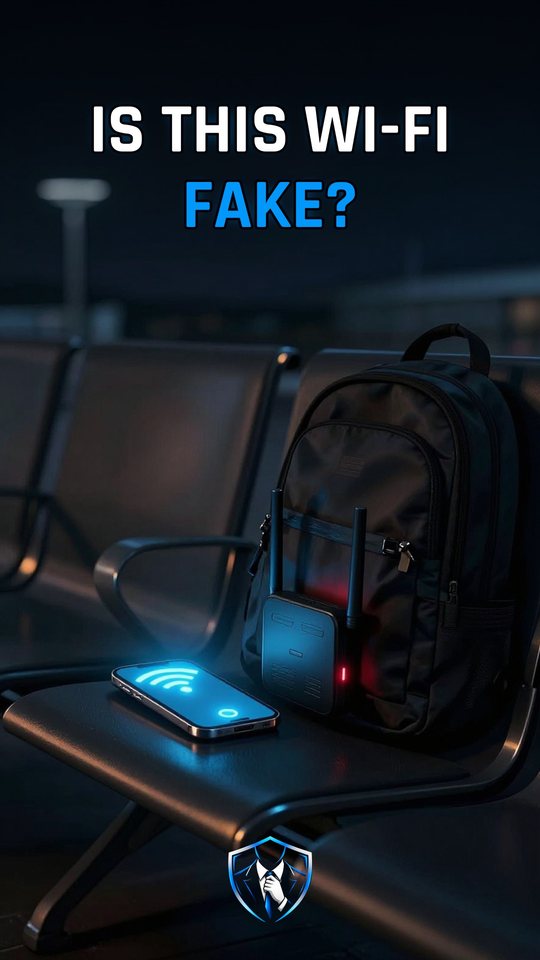
Why can't your phone spot a fake evil twin Wi-Fi?
Because a Wi-Fi name proves nothing. An evil twin broadcasts a name your phone has saved, your phone joins by itself, and a copied login page hands what you type to the attacker.

Evil twin Wi-Fi
An evil twin is a gadget that copies the name of a Wi-Fi network you’d normally trust, such as the one at an airport or on a plane. MITRE ATT&CK, a public catalog of attacker techniques, files it as T1557.004 under adversary-in-the-middle, with the goals of credential access and collection. The whole trick rests on one weakness: a network’s name is only a label. Large sites put the same name on many access points, and phones fold access points that share a name and security type into a single entry. So a copy usually blends into the entry you already see.
The protection here isn’t a special kind of network. It’s removing the habit the twin exploits, which is your phone joining remembered networks without asking you. Once your phone waits for your tap, a copied name can’t pull it in quietly, although you could still tap into one by mistake.
What an evil twin actually does
Your phone keeps listening for networks it remembers. The twin sends out one of those names, the SSID (Service Set Identifier), in its beacons and probe replies. Your phone sees a familiar name and connects on its own. Most phones today send probe requests that don’t mention any network. Older phones, and phones looking for hidden networks, send directed probes that carry the saved name, so a nearby gadget hears exactly what to copy. Police said the Perth device passively listened for probe requests and created a matching network.
Next, a copied login page opens, called a captive portal. Anything entered there lands with the attacker. Some twins also forward your traffic, so the internet keeps working and nothing feels off. The Perth one didn’t: entering details did not lead to a free Wi-Fi connection, but the logins were saved on his devices.
How the defense works
- Forget saved public networks. On iPhone, open Settings, Wi-Fi, Edit, then More Info, and tap Forget This Network. On Android 12 and later, open Settings, Network & internet, Internet, long-press the network and choose Forget.
- Or switch off Auto-Join. The same iPhone page has an Auto-Join toggle. It only stops automatic joining, so you can still join a twin by tapping it.
- Treat login requests as warnings. You shouldn’t have to enter personal details to connect to free Wi-Fi. A portal that wants your email or social media password is a red flag.
- Ignore the padlock here. A certificate only shows the link is encrypted to the domain shown. Scam sites use encryption too.
Put together, your phone stops joining copies by itself, and a fake portal gets nothing worth stealing. If you use iCloud Keychain, note that forgetting a network removes it from all your devices.
A captive portal is not an ID check
Many people see a login page, sometimes with a padlock, and take it as proof they’re on the airport’s own network. It isn’t. The portal can be a copy made by the twin, and the padlock says nothing about who runs the page. The AFP (Australian Federal Police) put the rule plainly: to connect to a free Wi-Fi network, you shouldn’t have to enter any personal details. Free Wi-Fi should never need the password to your email or social media.
What to do
- Forget saved public networks, or switch off Auto-Join, so your phone won’t join a copy by itself.
- Never type your email or social media password into a Wi-Fi login page.
- Don’t read the padlock as a sign of honesty: it shows encryption, not who is behind the page.
- Remember that a Wi-Fi name is a label anyone can copy, at the airport and on the plane.
Watch it in 60 seconds