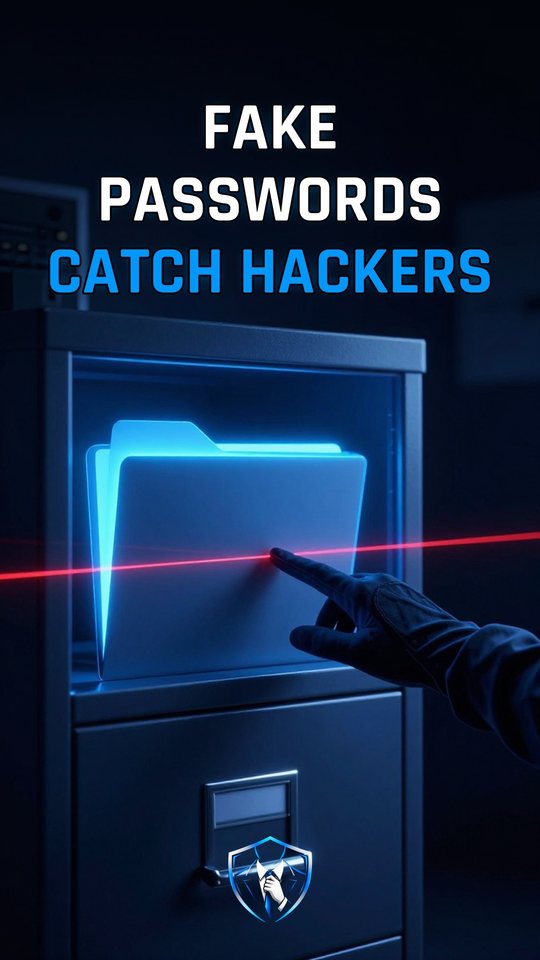
What is a honeytoken and how does it catch hackers?
A honeytoken is a fake secret, like a passwords file or a cloud key, planted on purpose. Nobody legitimate touches it, so any touch means an intruder and sends you an alarm.

Honeytoken
A honeytoken is a fake secret planted on purpose. It can be a passwords file, a cloud key or an unused admin account. Nobody with a real reason ever touches it. So any touch is a sign that an intruder is looking around. Security teams leave this bait inside their own systems and wait.
Canarytokens is a free service from Thinkst that makes these traps. You give it an email address and a short memo, and it creates a unique token with its own address. No account is needed. When the token is touched, the alert goes to that email. Thinkst also sells paid canaries with extra features, such as tokens that are harder for attackers to spot.
What a honeytoken actually does
A honeytoken does nothing until someone touches it. Then it makes the computer call home. A Word token hides a tiny remote picture inside the document, and that picture points to the token’s unique address. When someone opens the file in Microsoft Office on Windows or macOS, Word fetches the picture. That single request reaches Canarytokens and fires the alarm.
Cloud keys go deeper. A canary AWS (Amazon Web Services) key is a real access key for a new IAM (Identity and Access Management) user with zero permissions. It can’t read or change anything. But one call, GetCallerIdentity from AWS STS (Security Token Service), needs no permissions at all. It simply answers “who am I?” CloudTrail records that API (Application Programming Interface) call, and the alert follows within 2 to 30 minutes.
How a honeytoken catches an intruder
- Create a unique trap. Canarytokens ties a new token to your email address and a memo, so every alert points to one token.
- Plant it out of the way. Put it where only an intruder would look, such as a file named passwords.docx.
- Wait for a touch. Legitimate users never open it, so the token stays silent during normal work.
- Get the alarm email. When the bait calls home, you receive an email that shows which token was touched.
That’s how Grafana Labs caught an attacker on April 26, 2025. The attacker tested stolen secrets with the scanner TruffleHog, and its check called GetCallerIdentity on one of Grafana’s canary keys. Grafana’s were Thinkst’s paid canaries. TruffleHog can spot the free ones and skips calling AWS for them. The intrusion was contained within minutes.
A honeytoken is not a lock
A common myth says a honeytoken blocks attackers. It doesn’t. It can’t stop anyone from opening the file or trying the key. It only shows which bait was touched, and that is proof someone is already inside. It doesn’t explain how they got in either. Grafana found the entry point through its own investigation. A honeytoken can’t lock the door, but it tells you someone walked in.
What to do
- Make a free Word token at canarytokens.org, name it passwords.docx and leave it in your Documents folder.
- Use an email address you check often, and write a memo that reminds you where you planted the token.
- Remember that the Word token alerts only when the file is opened in Microsoft Office on Windows or macOS.
- If an alert ever arrives, treat it as proof someone is inside and start looking for how they got in.
Watch it in 60 seconds