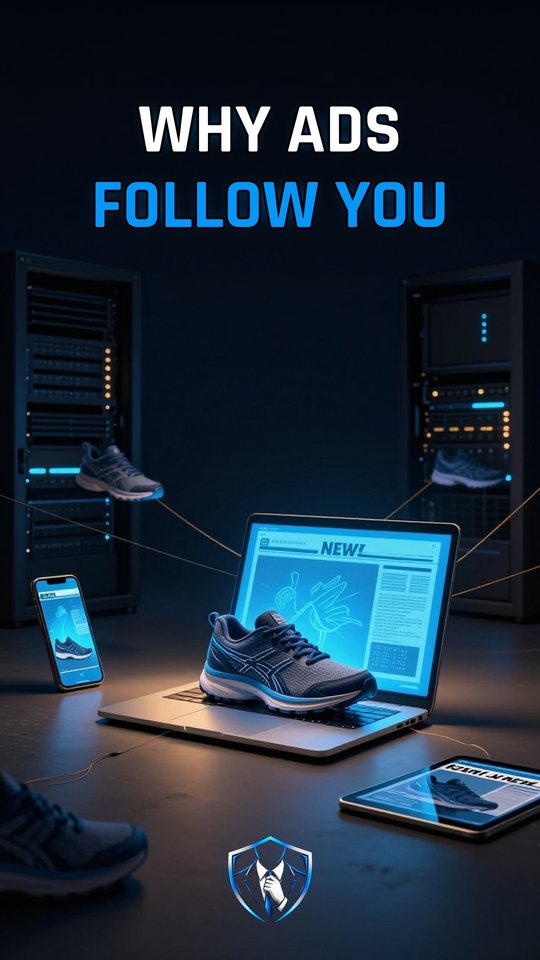
Why do ads follow you from site to site?
Many websites load tracking code from another company, and its cookie carries the same unique ID on every site, so that company builds one profile of you and ads follow you around.

Online tracking
Online tracking is how a company you never visited follows you from site to site. It starts with tracking code that a website loads from another company, like the Meta Pixel. This is common. Measurements from 2025 found at least one third-party tracker on about 75% of desktop pages and 74% of mobile pages, and Google was present on 61% of pages.
The tracker recognizes you with a third-party cookie. That’s a small piece of data saved by a domain other than the site you’re reading, and it holds a unique ID. Some browsers block tracking cookies by default: Firefox has Total Cookie Protection, Safari has Intelligent Tracking Prevention, and Brave blocks them too. Chrome doesn’t. Google never ended third-party cookies, and on April 22, 2025 it said it would keep the current user choice and not launch a new prompt. So in Chrome, blocking them is up to you.
What a tracking pixel actually sends
The Meta Pixel’s base code loads a script from connect.facebook.net/en_US/fbevents.js. It then calls fbq('init') with the site’s pixel ID and fbq('track', 'PageView') to report the visit. Other events follow, like ViewContent when you look at a product. In its simplest documented form, each report is a request to facebook.com/tr carrying the pixel ID, the event name and details such as the product name. The FTC (Federal Trade Commission) says pixels can capture pageviews, clicks, purchases and form entries. The Markup found that every data packet carries your IP (Internet Protocol) address.
The cookie part happens in the browser, not in the script. Earlier, the tracker’s server set a cookie with a Set-Cookie header. Because each report goes to the tracker’s domain, your browser attaches that saved cookie to the request. Sending it across sites needs the cookie to be marked SameSite=None and Secure. The script on the shop’s page can’t read that cookie itself. And if you’re logged in to Facebook, cookies can link the data to your account.
How tracking follows you across sites
- The page loads tracking code. You open a shop page, and it loads code from the tracker. The code reports the page and each click, with your IP address attached.
- The browser attaches the cookie. The report goes to the tracker’s domain, so your browser adds that domain’s third-party cookie. The cookie carries your unique ID.
- One ID links every visit. The same tracker sits on thousands of sites and sees the same ID on each. It joins those visits into one profile.
- An instant auction picks the ad. Elsewhere, an ad space runs an auction while the page loads. A bid request describing you and the page goes to many ad companies, and the winner shows you those shoes.
The result is that one look at a pair of shoes on one site can turn into ads for them on others. It reaches sensitive places too. In 2022, The Markup found that on 33 of the top 100 U.S. hospital websites, the Meta Pixel sent Facebook data whenever someone clicked to book an appointment.
Blocking cookies is not blocking tracking
Blocking third-party cookies cuts the shared cookie ID, and that matters. But it doesn’t remove the tracking code. The pixel still reports what you do, with your IP address, and the FTC notes that pixels don’t always rely on cookies. Your browser can also be singled out without any cookie. Its screen resolution, time zone, fonts and language can be combined to recognize it. That’s called fingerprinting.
What to do
- In Chrome on a computer, open More, then Settings, then Privacy and security, then Third-party cookies, and select Block third-party cookies.
- To let one site keep using them, add it under Sites allowed to use third-party cookies with the Add button.
- Know that Firefox, Safari and Brave already block tracking cookies by default.
- Remember that blocking cuts the shared ID only. Trackers hide inside normal sites, and their code still reports with your IP address.
Watch it in 60 seconds