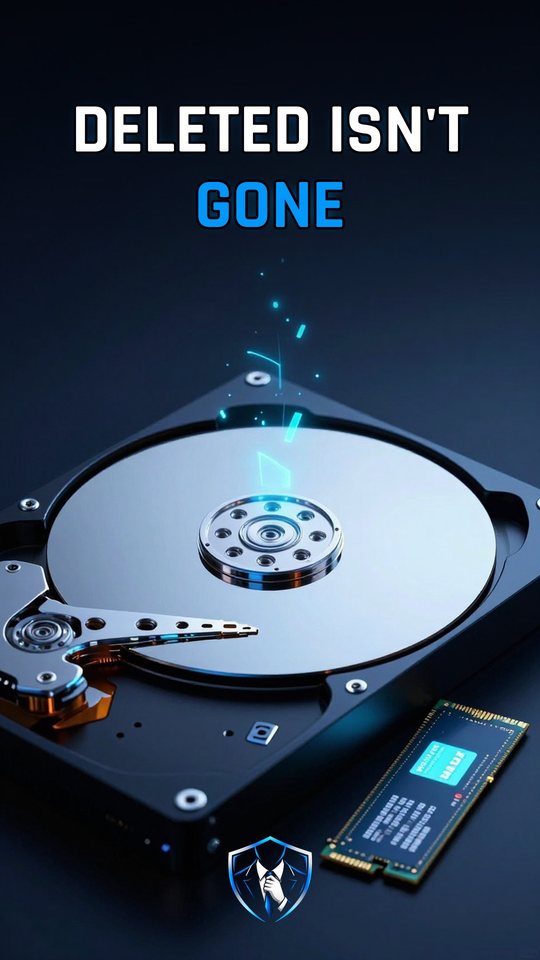
Is a deleted file really gone on an SSD or HDD?
Usually not: deleting removes the file system's pointer, so a hard drive keeps the data until it's overwritten and an SSD (solid-state drive) can keep old copies until garbage collection erases them.

SSD vs HDD
A hard disk drive (HDD) stores your files as magnetic spots on a spinning platter. A read/write head flies on a cushion of air nanometers above the surface. At 7,200 RPM (revolutions per minute), one turn takes about 8.3 milliseconds, so waiting for your spot to spin by averages about four milliseconds. To overwrite data, the head remagnetizes the same spot.
A solid-state drive (SSD) has no moving parts. It stores charge in flash chips. Flash can write small chunks, but it can only erase whole blocks of 1 to 8 MiB (mebibytes). Every erase wears the chips a little. That one rule changes what happens when you delete a file.
What deleting actually does
On both drives, deleting a file first removes the file system’s pointer. On a Windows drive formatted with NTFS (New Technology File System), the index entry goes away and the clusters are marked free. The data itself isn’t touched. On a hard drive, those magnetic spots stay until something new is written over them.
On an SSD, Windows also tells the drive that the space is free. That message is the TRIM command, called Deallocate on NVMe (Non-Volatile Memory Express) drives. On NTFS this delete notification is on by default. If fsutil behavior query DisableDeleteNotify returns 0, TRIM is on. TRIM only helps if it reaches the drive. A USB (Universal Serial Bus) adapter can block it.
How an SSD handles a delete
- It never overwrites in place. The controller’s Flash Translation Layer (FTL) writes every change to an already-erased spot instead.
- It keeps a map. The FTL updates its logical-to-physical map and marks the old copy stale.
- It answers with zeros. After TRIM, most modern SSDs return zeros when you read those addresses. Older or cheaper models may not guarantee that.
- Garbage collection erases later. The old charge can sit in the chips until garbage collection erases the whole block.
So a normal read sees nothing, but the raw flash chips can still hold the old data for a while. Reading zeros is not the same as the data being gone.
Shredding is not secure erase
Many people run a file shredder to be safe. On a hard drive, overwriting the same spot makes sense. On an SSD, the shredder’s writes land on new erased spots, and the old copy stays stale in the chips. In 2011, UC San Diego researchers read the raw flash chips and found that every hard-drive-style single-file eraser failed. Built-in commands generally worked, but manufacturers sometimes implement them incorrectly. Their conclusion: reliable SSD sanitization requires built-in, verifiable sanitize operations.
What to do
- Before selling or giving away an SSD, use the drive maker’s secure-erase or sanitize tool, and check that it finished.
- If you use nvme-cli,
nvme format --ses=1runs a User Data Erase and--ses=2runs a Cryptographic Erase, which works by deleting the encryption key. - If you reset Windows, go to Settings > System > Recovery > Reset PC, choose Remove everything and turn on Clean data. It makes recovery much harder, but Microsoft says it doesn’t meet government erasure standards.
- Don’t rely on deleting or shredding single files on an SSD. Only a verified wipe makes the data unrecoverable.
Watch it in 60 seconds