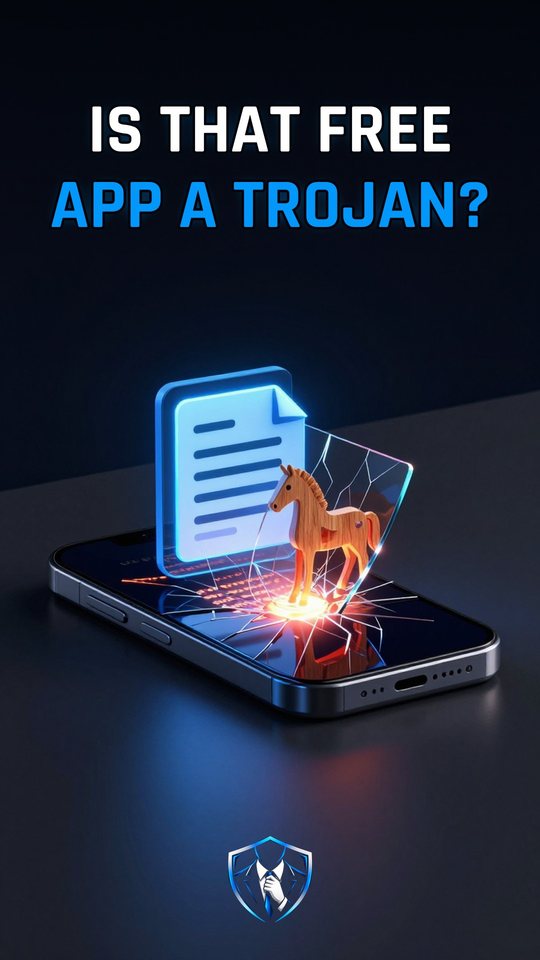
How does a Trojan get you to run it?
A Trojan is malware that pretends to be something you want, like a free app or a file, so you run it yourself. Behind the disguise, it steals logins or installs more malware.

Trojan
Trojan, short for Trojan horse, is the name for software that seems to have a useful function but also hides a malicious one. The name comes from the wooden horse of Troy. The program may honestly do its advertised job, like reading PDFs, while it quietly takes your logins in the background.
What sets a Trojan apart from a virus is movement. Trojans can’t spread on their own. So instead of breaking in, a Trojan gets invited in. It relies on you opening it, although other malware can also install one. That’s why the best defense is simple: check what a file really is before you run it.
What a Trojan actually does
Everything starts with the disguise. The file looks like a free app, an invoice, or a program you know, often because it borrows a real app’s file name. When you launch it, it reaches out to the attacker’s command-and-control (C2) server and waits for orders. The payload follows. It records keystrokes, sends off passwords, or installs other malware. Remote control is another job on the list.
On Windows, the disguise often hides in the file name itself. A double extension like Invoice.pdf.exe appears as Invoice.pdf, because extensions for known file types are hidden by default. The last part, .exe, is the one that counts: it marks a program. This happens in File Explorer once the file is saved on your PC. Outlook and Gmail block .exe attachments, so the trick doesn’t play out inside the email itself.
How a Trojan gets in and works
- It borrows a trusted look. The file poses as a free app, an invoice, or a familiar program, so nothing seems wrong.
- You start it yourself. Because it can’t spread on its own, it needs you to open it.
- It phones the C2 server. Once running, it contacts the attacker’s command-and-control server to get its orders.
- It carries out the payload. It logs keystrokes, steals passwords, or installs more malware.
The Anatsa campaign of June 2025 shows the full pattern on Android. A file reader reached the top three of Google Play’s US Top Free Tools and passed 50,000 downloads. About six weeks after release, an update downloaded and installed the Anatsa banking Trojan as a separate app. It got its targets from the C2 server, and a fake ‘Scheduled Maintenance’ screen covered up the fraud.
A working app is not a safe app
Many people trust an app because it’s popular, comes from an official store and does its job. The Anatsa case breaks all three assumptions at once. The file reader was real, listed on Google Play and widely downloaded, yet an update turned it into the delivery route for a banking Trojan. A Trojan’s useful side is part of the disguise, not proof that it’s harmless.
What to do
- Open File Explorer, click View, then Show, and check File name extensions, so a name like
Invoice.pdf.exeshows its real ending. - Before opening a file, look at the last extension:
.exemeans a program, not a document. - Treat free apps and unexpected invoices with care, even when they look polished or come from an official store.
Watch it in 60 seconds