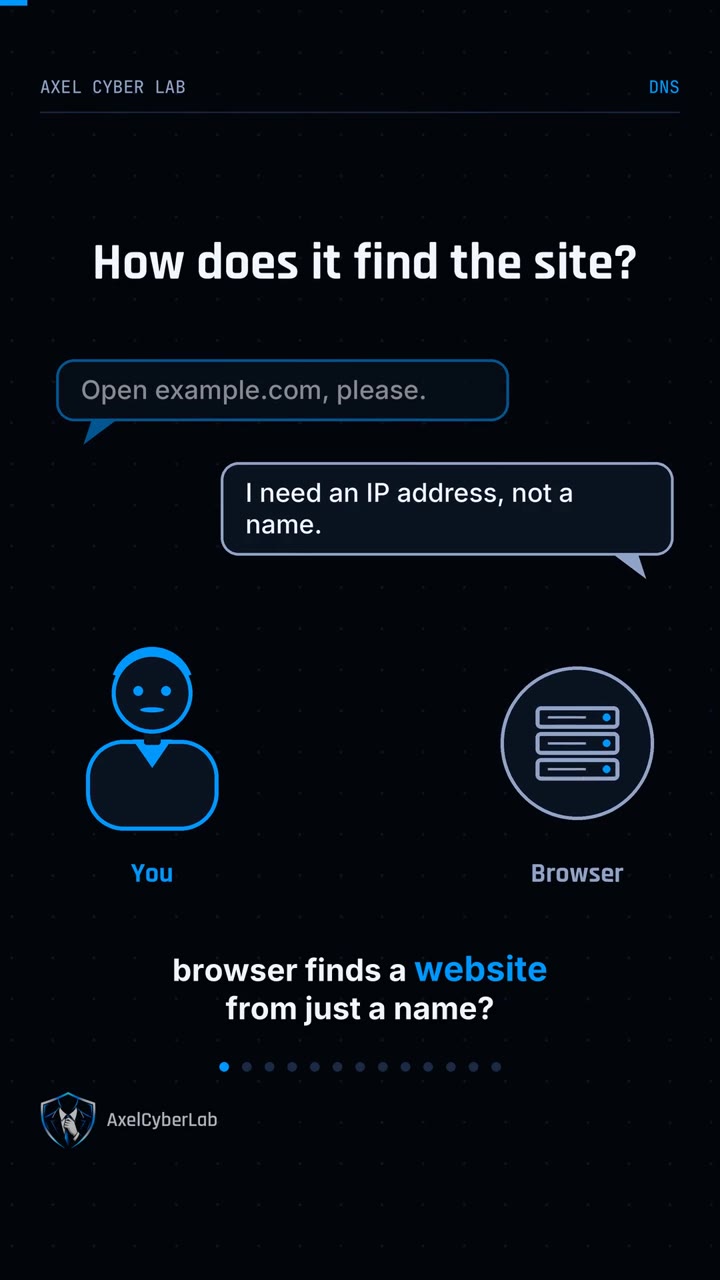
How does your browser find a website from just a name?
How DNS Works: How Your Browser Finds a Website
The short answer
Your device asks a DNS resolver, which follows the chain from the root servers to the .com servers to the domain's own server, gets the IP address, caches it, and answers you in milliseconds.
Key points
- DNS translates names like example.com into IP addresses, because networks route traffic using numbers.
- Your device asks a resolver, usually your internet provider's. If the answer is cached, it replies at once.
- Otherwise the resolver asks a root server, then the .com servers, then the domain's authoritative server.
- Try it yourself: run nslookup example.com.
- HTTPS does not hide your DNS lookups. Classic DNS is unencrypted, so your network can see which sites you look up.
What is DNS?
DNS (Domain Name System) is the internet's phonebook: it translates names like example.com into the IP addresses computers use to find each other.
Diagram, myths, real examples, and sources